Applicazione Web
Incolla un segreto, scegli scadenza e numero di letture consentite, poi condividi il link cifrato da qualsiasi browser.
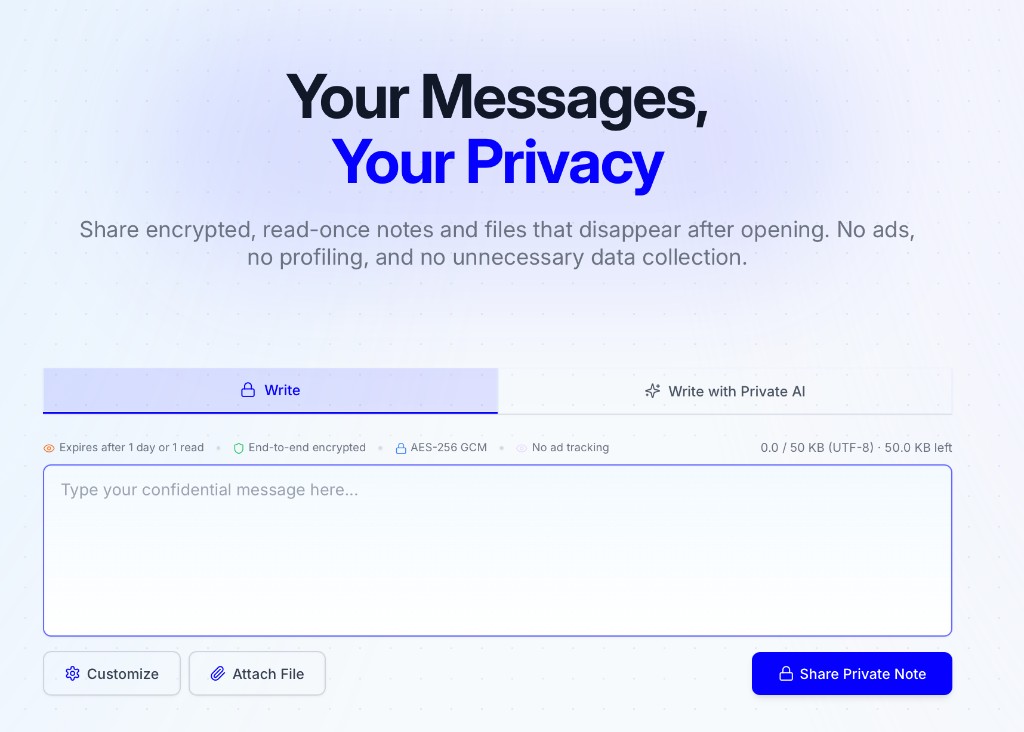
Apri privatenote.ai → incolla il segreto → condividi il link cifrato
PrivateNote funziona bene come app web, ma i team di sviluppo spesso hanno bisogno dello stesso trasferimento sicuro dentro editor, agenti IA locali, script e ambienti controllati. Questa pagina mostra quei punti di ingresso e il confine di fiducia di ciascuno.
Scegli il percorso più vicino al segreto. Ogni integrazione usa lo stesso contratto di cifratura locale.
Incolla un segreto, scegli scadenza e numero di letture consentite, poi condividi il link cifrato da qualsiasi browser.
Apri privatenote.ai → incolla il segreto → condividi il link cifrato
Segreti senza tracce nella cronologia bash, pipe e CI/CD.
$ echo 'sk-live-...' | npx privatenote-cli --expire 1h --output-url-onlyhttps://privatenote.ai/note/a1b2c3d4#…
Flusso quotidiano — barra laterale, selezione e appunti nell’editor.
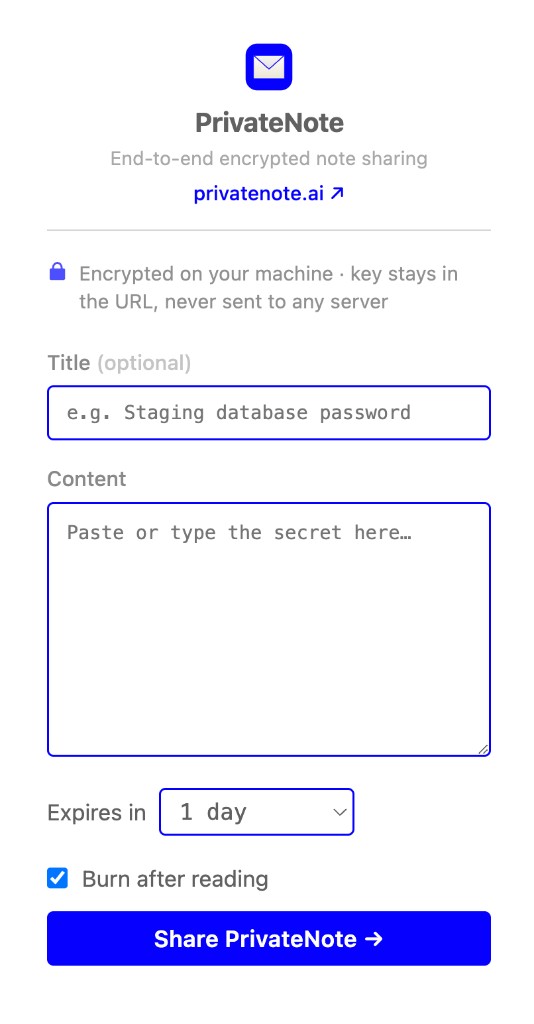
code --install-extension PrivateNote.privatenote-vscode
Cifra il testo selezionato sul posto — menu contestuale, popup e Alt+Shift+P.
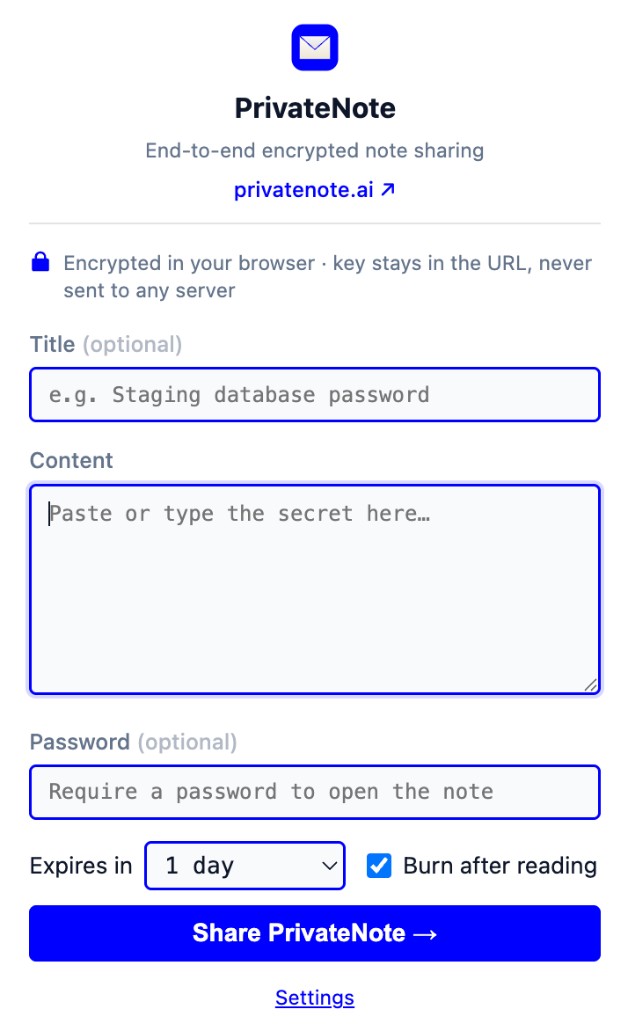
# Right-click selected text → Create PrivateNote
# Shortcut: Alt+Shift+P
Offri agli agenti IA uno strumento locale create_private_note per trasferimenti sicuri.
// create_private_note{ "content": "recovery-code-…", "expiresIn": "1h", "burnAfterReading": true }https://privatenote.ai/note/a1b2c3d4#…
MCP e skill per OpenAI Codex CLI e IDE.
codex mcp add privatenote -- npx -y privatenote-mcp
Ricette
Parti dal compito — scegli l’integrazione che corrisponde a dove vive il segreto e a come deve essere trasmesso.
Invia un segreto di GitHub Actions alla CLI e ottieni un URL monouso — niente testo in chiaro nei log del workflow.
Seleziona testo in Slack, email o un ticket e crea un link cifrato senza aprire prima privatenote.ai.
Lascia che un client MCP chiami create_private_note con burn-after-reading quando l’agente ha bisogno di un passaggio sicuro.
Evidenzia variabili d’ambiente, chiavi API o stringhe di connessione in VS Code o Cursor e passa il segreto senza cambiare app — il link finisce negli appunti.
Registra il server MCP una volta così Codex può creare link cifrati durante i workflow dell’agente invece di incollare segreti in chat.
Usa l’app web quando il destinatario ha solo bisogno di un link — imposta scadenza, burn-after-reading e una password opzionale nel browser.
Cosa funziona oggi: punta la CLI e il server MCP alla tua API con PRIVATENOTE_API_BASE_URL, e l’estensione VS Code con privatenote.apiBaseUrl. Un’anteprima Docker Compose (docker-compose.yml) avvia uno stack web + API locale per valutazione.
Solo anteprima — non un runtime on-premise in produzione. L’estensione Chrome è fissata su privatenote.ai e non può puntare a un’API self-hosted; usa invece CLI, MCP o VS Code. I deployment enterprise gestiti sono in roadmap — contattaci per un feedback anticipato.
Quando usarlo
I team di sviluppo continuano a passarsi password di database, codici di ripristino, token API, dettagli di supporto e diagnostica dei clienti. Questi segreti finiscono spesso nella cronologia delle chat, nei commenti dei ticket, nei thread delle pull request o nei prompt IA solo perché il percorso sicuro richiede troppo tempo.
PrivateNote punta a rendere la via sicura veloce quanto quella comoda. Per l’utente sembra solo creare un link; tecnicamente, il testo sensibile viene cifrato prima di raggiungere il server.
Modello di fiducia
Architettura
Ogni integrazione segue lo stesso confine. Il testo in chiaro non lascia mai il dispositivo non cifrato; il server non riceve mai la chiave di decrittografia.
Cifra localmente
AES-256-GCM sul tuo dispositivo — browser, editor, terminale o processo MCP.
Carica ciphertext
Solo byte cifrati e metadati della nota (scadenza, burn-after-reading) raggiungono il server.
Chiave in #fragment
La chiave di decrittografia resta nell'hash dell'URL. I browser non inviano i fragment nelle richieste HTTP.
privatenote.ai/note/…#key
Il testo in chiaro viene cifrato localmente prima dell’invio.
Il server memorizza il testo cifrato e i metadati delle note, non la chiave di decrittografia.
La chiave rimane nel frammento dell'URL, che non viene inviato nelle richieste HTTP.
I limiti di lettura e la scadenza vengono applicati dal servizio di note.
Tutti i percorsi di integrazione devono mantenere lo stesso contratto di base: creare localmente testo cifrato, inviare solo ciò che il server deve conservare e far rispettare, poi condividere un link in cui la chiave di decifratura resta fuori dalla richiesta al server.
Come funziona la cifraturaUsa l’app web per le condivisioni occasionali, l’estensione dell’editor per il lavoro quotidiano, la CLI per script e CI, e MCP quando un agente ha bisogno di un trasferimento sicuro.