How Recipient Verification Codes Work
Make the Link Incomplete Without an Out-of-Band Code
A private-note URL can be enough to decrypt. Recipient verification adds a note-specific six-digit code you share separately—so an intercepted link cannot reach reveal alone.
Key takeaways
- A note-specific six-digit code gates reveal before decrypt.
- Share the code on a different channel from the link.
- Verification is separate from optional passphrase wrapping.
- Starter and Business can enable it per note or as an account default.
A private-note link is powerful because it usually carries the material needed to decrypt the message. That convenience is also a risk: if the full URL lands in the wrong inbox, chat thread, or screenshot, the secret may be reachable before your intended recipient opens it.
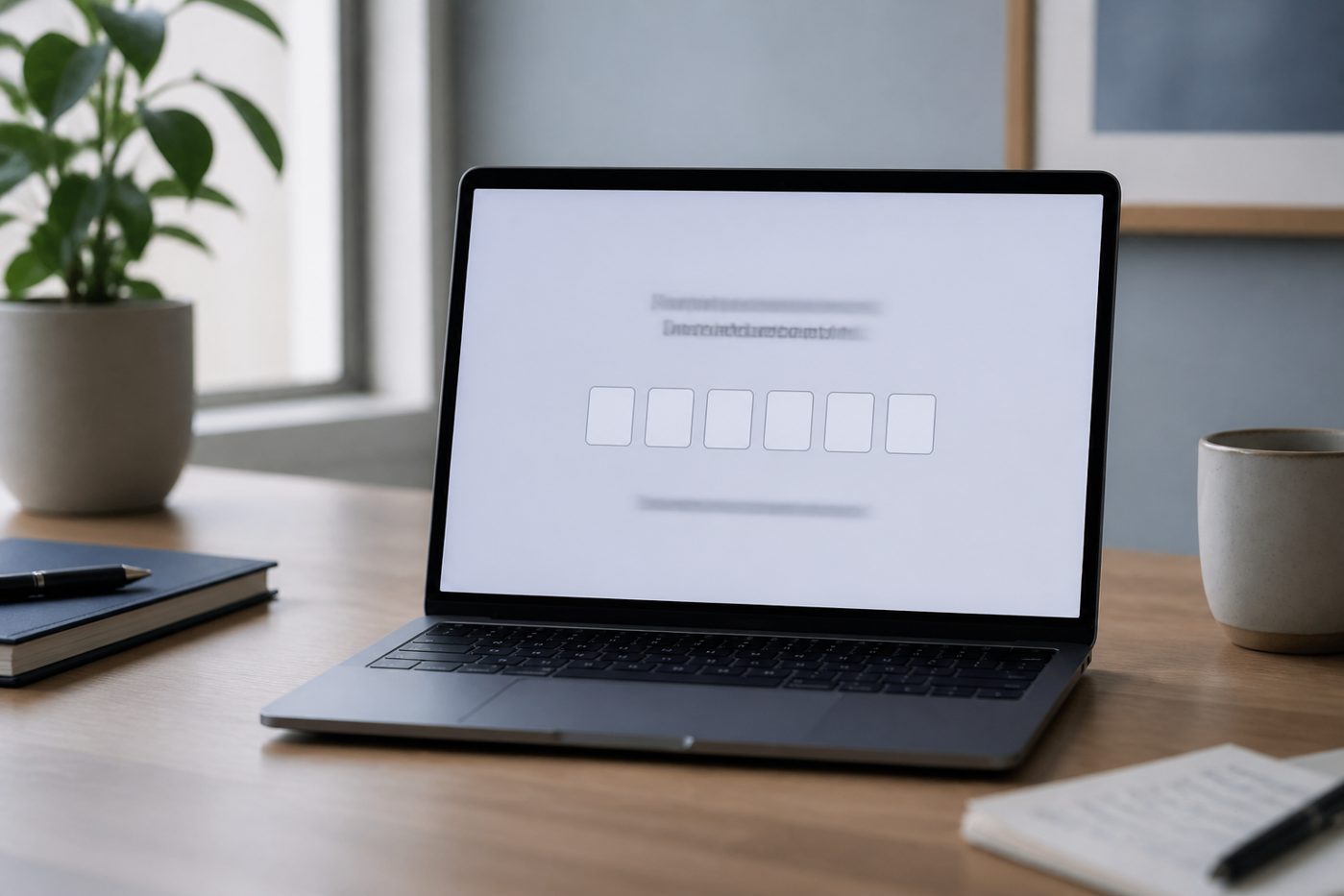
Recipient verification codes add a second delivery secret you control. After you create the note, PrivateNote shows a note-specific six-digit code. You share that code separately—by phone, Signal, or another channel—so an intercepted link is not enough to reach the reveal step.
This is different from optional passphrase wrapping on the ciphertext, and different from signing in. It is a delivery gate: verify, then reveal.
Link alone vs link plus code
Split-channel delivery turns one stolen message into an incomplete puzzle.
Bearer links are common in secure sharing. They work well when the channel is trusted and the lifetime is short. They work less well when the same email or chat account that receives the link might also be monitored, shared, or compromised.
Requiring a verification code restores the classic split: send the link on channel A, send the code on channel B. An attacker needs both. That pattern pairs naturally with how to share a password securely and one-time secret links.
| Control | What it protects | What it does not do |
|---|---|---|
| Verification code (Starter/Business) | Blocks reveal until the recipient enters the one-time code | Does not replace passphrase wrapping or account login |
| Passphrase on the note | Wraps ciphertext so decrypt needs the passphrase | Still requires careful out-of-band sharing of that passphrase |
| Short expiry + one open | Limits how long a leaked link remains useful | Does not stop someone who already has link + code in time |
How to turn it on
Enable under Delivery & verification, then share code and link separately.
On eligible Starter and Business plans, open Customize when creating a note and enable Require verification code under Delivery & verification. You can also set it as a default in Account → Preferences so new notes inherit the gate.
After creation, the success screen shows the recipient verification code. Copy the note link as usual, then send the code through a different path. Tell the recipient they will see a verification step before Reveal Note.
- Use Starter or Business (feature is plan-gated)
- Enable Require verification code for the note (or as account default)
- Create the note and copy the link
- Copy the six-digit code from the success screen
- Send link and code on separate channels
- Confirm the recipient verifies before revealing
Sending something where the inbox might be shared or watched?
Create a note with verificationWhat the recipient experiences
Code first, then the normal click-to-reveal warning.
Opening the link presents a verification screen—not the decrypted content. After a correct code, the familiar reveal gate appears: open only when ready, because revealing can consume the note under its burn policy.
Wrong codes fail closed. The recipient should not need an account; they only need the code you shared. For the intentional delay before decrypt, see why notes wait for click-to-reveal.
When to use verification codes
Use them when the link channel is weaker than the secret.
- Credentials or documents emailed to a shared inbox
- Links posted into a team chat with broad membership
- Handoffs where screenshot or forward risk is high
- Any secret you would also protect with split-channel passphrase sharing
Practical tip
Do not put the verification code in the same email as the link. That collapses both factors into one intercepted message.
Frequently asked questions
Is the verification code the same as a password on the note?
No. The verification code is a server-checked gate before reveal. A note passphrase (when enabled) wraps the ciphertext itself and is a separate optional control.
Can I choose my own code?
PrivateNote generates a note-specific six-digit code. You share that generated value; you do not invent or reuse a personal PIN.
Is this available on Free?
Recipient verification is a Starter and Business capability. Free accounts can still use short expiry, open limits, and optional passphrase wrapping where offered.
Does verification mean PrivateNote can read my note?
No. Verification authorises access to the reveal flow. Message contents are still encrypted in the browser; status alerts never include plaintext content.
The bottom line
Make the link incomplete without your out-of-band code.
Verification codes are for moments when convenience would otherwise leave a full decryptable URL in a single channel.
Enable the gate, share the code separately, and keep the note’s lifetime short—especially for API keys, passwords, and documents.
Add a separate verification step to the handoff.
Require a one-time verification code before reveal, then send that code on a different channel from the link.
Create a verified private note
